


AI Agents in the Enterprise
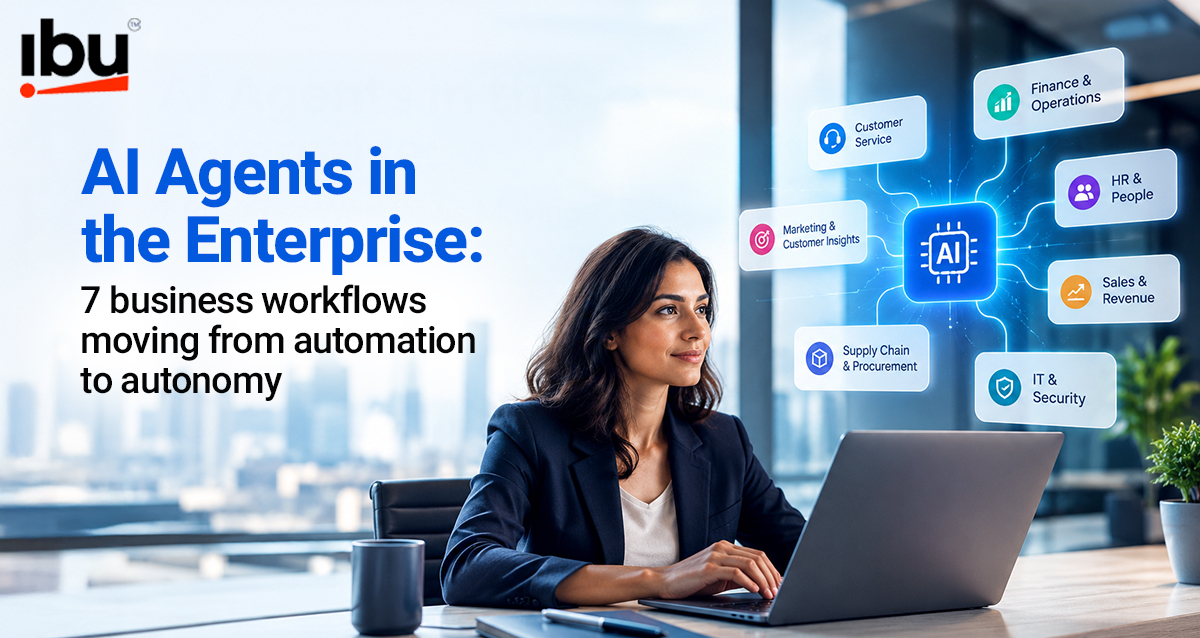
AI Agents in the Enterprise: 7 Business Workflows Moving From Automation to Autonomy
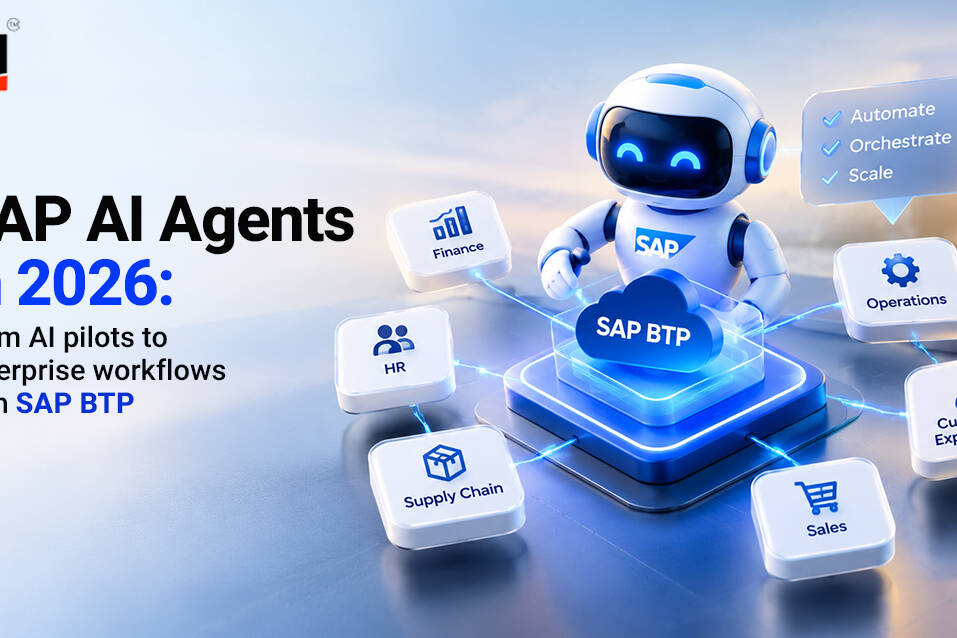
Enterprise automation is evolving. Traditional systems follow predefined rules, while AI agents can interpret information, coordinate tasks and respond to changing conditions within business processes.
For organizations, the opportunity goes beyond automating individual activities. AI workflow automatio can connect applications, data and decisions to support more coordinated business operations.
But moving toward autonomy requires more than deploying an AI model. Businesses need reliable data, system integration, clear responsibilities and appropriate human oversight.
This guide explores seven enterprise workflows where AI agents can create practical value, how agent orchestration works and what organizations should consider before implementation.
What Is AI Workflow Automation?
AI workflow automation uses artificial intelligence to coordinate and execute tasks within business processes, including activities that require interpreting information, making recommendations or selecting actions based on context.
Unlike traditional rule-based automation, AI-enabled workflows can handle certain variations in language, documents and incoming information.
Enterprise AI agents can take this further by using connected tools and applications to complete multi-step tasks within defined permissions.
However, autonomy does not mean removing human involvement. The appropriate level of oversight depends on the task, business impact and associated risks.
AI Agents vs Traditional Automation: What’s the Difference?
Traditional automation is effective when processes follow predictable rules. For example, a system might automatically send an invoice reminder after a specified number of days.
AI agent automation can support more variable processes, such as reviewing a customer enquiry, retrieving relevant records, identifying the next action and routing an unresolved issue.
Traditional Automation
- Follows predefined rules
- Best suited to predictable tasks
- Requires explicit process instructions
- Typically handles individual tasks
AI Agent Automation
- Can interpret context and select actions
- Can support more variable workflows
- Can plan steps within defined boundaries
- Can coordinate multiple connected activities
The two approaches are complementary. Enterprises can combine conventional automation with AI agents rather than replacing every existing workflow.
7 Enterprise Workflows Moving From Automation to Autonomy
The following AI agent use cases demonstrate how businesses can progress from automating isolated tasks toward coordinating more complete workflows.
1. Customer Service: From Ticket Routing to Case Resolution
Traditional automation categorizes customer enquiries and routes them to support teams.
AI agents for customer service can retrieve account information, interpret customer requests, access knowledge resources and coordinate appropriate next steps.
For example, an agent could investigate an order-related complaint, check delivery information and prepare a resolution for approval.
Business value: Faster issue handling, reduced manual handovers and more consistent support.
2. Finance: From Data Entry to Exception Management
Finance teams often rely on automation for invoice capture, payment reminders and reconciliation.
With AI workflow automation, finance teams can streamline repetitive processes and identify discrepancies more efficiently.
Rather than automatically approving every transaction, agents can flag unusual cases for financial review.
Business value: Less repetitive processing and improved visibility into exceptions.
3. Procurement: From Purchase Requests to Supplier Coordination
Procurement involves multiple activities, including supplier verification, quotation comparison, approvals and purchase-order management.
Autonomous AI agents can coordinate information across procurement systems, identify missing documentation and initiate appropriate follow-ups.
Business value: Reduced administrative effort and more coordinated purchasing processes.
4. IT Service Management: From Alerts to Incident Coordination
Conventional IT automation generates alerts and routes support tickets.
Enterprise AI agents can interpret incident information, retrieve relevant system logs, consult knowledge bases and recommend troubleshooting steps.
Where permitted, they can also initiate predefined remediation actions while escalating sensitive issues to IT specialists.
Business value: Faster incident investigation and reduced repetitive support work.
5. Sales Operations: From CRM Updates to Opportunity Coordination
Sales teams frequently manage disconnected activities across CRM platforms, email, reporting tools and customer information systems.
AI workflow automation can help consolidate account information, identify missing records, prepare follow-up recommendations and coordinate routine administrative tasks.
Business value: Improved information availability and more time for customer-facing activities.
6. HR: From Onboarding Checklists to Employee Journey Management
Employee onboarding involves HR, IT, finance and departmental managers.
AI agents can help coordinate documentation, access requests, training schedules and employee enquiries across connected systems.
Sensitive employment decisions and access approvals should remain subject to established organizational controls.
Business value: Fewer administrative handovers and a more coordinated onboarding experience.
7. Supply Chain: From Monitoring to Operational Coordination
Traditional systems monitor inventory levels and generate predefined alerts.
AI agents can combine inventory information, demand signals and supplier updates to identify potential disruptions and recommend appropriate actions.
For example, an agent could identify a delayed shipment, assess available inventory and prepare alternative sourcing recommendations.
Business value: Improved operational visibility and faster responses to changing conditions.
How Does AI Agent Orchestration Work?
Individual agents can perform specific tasks, but enterprise workflows often require several systems and capabilities to work together.
AI agent orchestration coordinates these interactions by managing how agents, tools, applications and business rules contribute to a larger process.
Consider an order-management workflow:
Customer Request → Order Verification → Inventory Check → Delivery Coordination → Customer Notification
Different agents or services may handle individual activities, while orchestration coordinates their sequence, information exchange and escalation requirements.
Multi-agent systems can support this approach, although a single agent combined with conventional automation may be sufficient for simpler processes.
What Enterprises Need Before Implementing AI Agents
Successful AI agent implementation starts with business readiness rather than selecting a model.
Organizations should establish five foundations:
- Clear business objectives: Identify measurable problems and expected outcomes.
- Reliable enterprise data: Ensure agents can access accurate, relevant information.
- System integration: Connect required applications, APIs and business tools.
- Defined permissions: Specify which actions agents can perform independently.
- Performance monitoring: Evaluate accuracy, reliability, operational impact and exceptions.
Start with a controlled workflow before expanding to more complex business processes.
AI Agent Governance: Balancing Autonomy and Control
As organizations introduce autonomous AI agents, governance becomes essential.
Agents may interact with sensitive business information or initiate actions across multiple applications. Their responsibilities and permissions must therefore be clearly defined.
Effective AI agent governance includes access controls, audit trails, monitoring, escalation procedures and human approval for consequential decisions.
The goal is not maximum autonomy. It is selecting the appropriate level of autonomy for each business process.
How IBU Supports Enterprise AI Automation
At IBU Group, we help organizations evaluate AI opportunities through business requirements, existing technology environments and measurable operational objectives.
Our capabilities across Generative AI, Digital Transformation, Application Engineering and Technology Consulting can support organizations exploring AI-enabled business processes.
From identifying suitable workflows to assessing data readiness, integration requirements and implementation priorities, the focus is on creating practical solutions that fit existing enterprise operations.
By adopting AI workflow automation, enterprises can build better-connected workflows where people, applications and AI work together.
The next stage of enterprise AI is not simply about automating more tasks. It is about designing better-connected workflows where people, applications and AI work together.
Frequently Asked Questions
What is the difference between AI workflow automation and traditional automation?
Traditional automation follows predefined rules. AI workflow automation can also interpret information, handle certain variations and coordinate context-dependent activities.
What are enterprise AI agents?
Enterprise AI agents are AI-powered software components that use business information and connected tools to perform tasks within defined organizational permissions.
Can AI agents automate complete business processes?
They can coordinate multiple workflow activities, but the appropriate level of autonomy depends on system capabilities, process complexity, risk and governance requirements.
What is AI agent orchestration?
AI agent orchestration coordinates interactions between agents, applications, tools and business rules to support a broader workflow.
Do businesses need multi-agent systems?
Not always. Many processes can be supported through a single agent combined with existing automation. Multi-agent systems are useful when distinct capabilities need coordinated execution.