





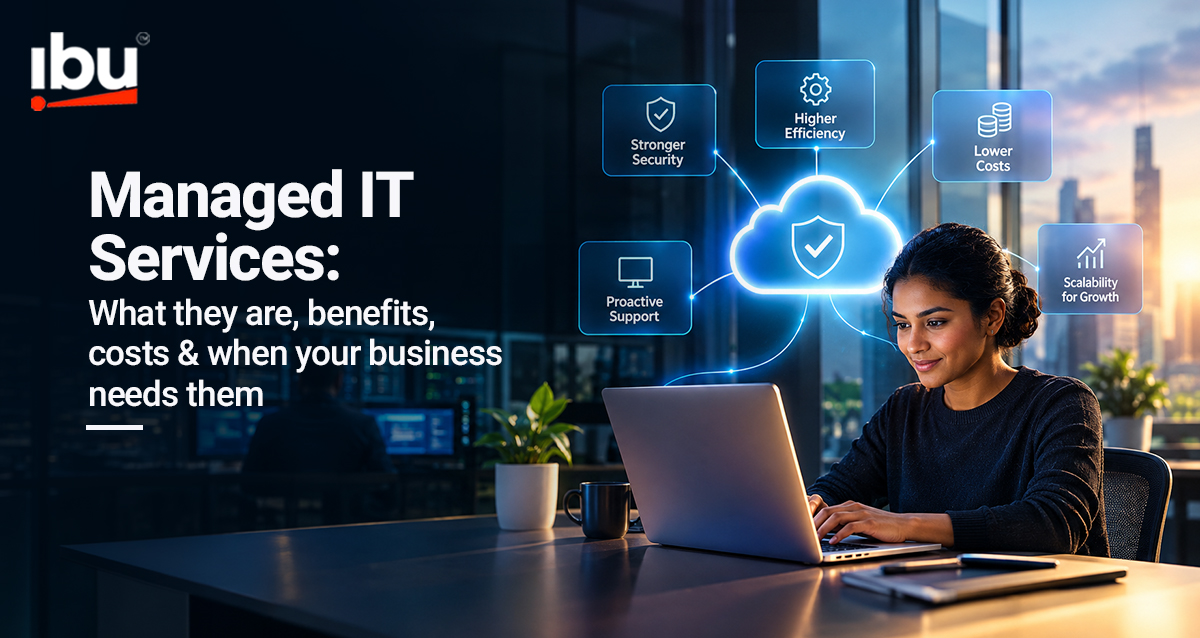
Managed IT Services
Managed IT Services: What They Are, Benefits, Costs & When Your Business Needs Them
Technology keeps businesses running, but managing infrastructure, cloud environments, cybersecurity, applications and everyday IT support can become increasingly complex as an organization grows.
Managed IT services give businesses access to ongoing technology management and support without having to build every capability internally.
But what exactly do these services include, how much do they cost, and when should a business consider using them? This guide covers what you need to know.
What Are Managed IT Services?
Managed IT services are ongoing technology services delivered by an external provider to manage, monitor, support or maintain specific parts of a business’s IT environment.
Instead of contacting an IT company only when something breaks, businesses typically work with a managed service provider (MSP) under an agreed service scope and service-level agreement (SLA).
Depending on business requirements, this can include infrastructure monitoring, cloud management, cybersecurity, user support, applications, backup and disaster recovery.
The objective is to move IT operations from reactive problem-solving toward proactive management.
How Do Managed IT Services Work?
A managed IT service provider takes responsibility for agreed technology functions rather than simply responding to individual support requests.
The process typically begins with an assessment of the existing IT environment. The provider then defines the services, responsibilities, performance expectations and support model.
Depending on the agreement, managed IT support services may include continuous monitoring, maintenance, incident response, user support, security management and performance reporting.
For example, instead of waiting for a server issue to interrupt operations, monitoring tools can identify warning signs earlier so teams can investigate before the problem becomes more disruptive.
What Are the Different Types of Managed IT Services?
The right service mix depends on an organization’s technology environment and internal capabilities. Common types of managed IT services include:
IT Infrastructure Management: Monitoring and maintaining servers, networks, devices and other IT infrastructure.
Cloud Management: Supporting cloud infrastructure, performance, security, resource management and optimization.
Cybersecurity Services: Security monitoring, vulnerability management, access controls and incident support.
Managed IT Support Services: Help-desk and technical support for employees and everyday IT issues.
Backup & Disaster Recovery: Protecting business data and supporting recovery when disruption occurs.
Application Management: Monitoring, maintaining and supporting business applications.
Organizations may use one of these services or combine several depending on their requirements.
What Are the Benefits of Managed IT Services?
The most important managed IT services benefits are not simply about outsourcing technology. The value comes from giving the business access to the capabilities it needs while allowing internal teams to focus on strategic priorities.
1. More Proactive IT Management
Continuous monitoring and maintenance can help organizations identify potential problems before they become major operational issues.
2. Access to Specialized Skills
Cloud, cybersecurity, infrastructure and application environments often require different expertise. A managed service provider can give organizations access to specialists without building every capability internally.
3. Greater Scalability
As a business grows, its technology requirements change. Managed IT services can provide additional support and capabilities as users, locations, workloads and applications increase.
4. Better Internal IT Capacity
Routine monitoring, maintenance and support can consume significant internal resources. Moving suitable responsibilities to an external provider allows internal teams to focus more attention on transformation and business priorities.
5. Improved Business Continuity
Monitoring, backup, recovery and incident-management capabilities can help businesses strengthen technology resilience and reduce the impact of disruptions.
6. More Predictable IT Management
Defined service agreements can make technology support and operational responsibilities easier to plan compared with relying entirely on reactive support.
How Much Do Managed IT Services Cost?
There is no single standard managed IT services cost because pricing depends on the environment and level of support required.
Common factors include:
Number of users and devices | Infrastructure complexity | Cloud environment | Security requirements | Applications | Support hours | Service levels
Common pricing models include:
Per-user pricing: A defined fee for each supported user.
Per-device pricing: Costs based on the number of managed devices.
Tiered packages: Different service levels with predefined capabilities.
Customized pricing: A tailored contract based on infrastructure and business requirements.
When evaluating managed IT services cost, businesses should look beyond the monthly fee and consider the scope of responsibility, service levels, expertise and potential operational impact.
Managed IT Services vs Outsourced IT Services: What’s the Difference?
The terms are related but not always identical.
Outsourced IT services broadly refer to technology activities performed by an external company. This could include a one-time migration project, software development or temporary technical resources.
Managed services usually involve ongoing responsibility for defined technology functions.
For example, hiring a company to migrate an application to the cloud is IT outsourcing. Engaging a provider to continuously monitor, maintain and support that cloud environment is closer to a managed-service model.
A business can therefore use both project-based outsourced IT services and ongoing managed services as part of its technology strategy.
When Does Your Business Need Managed IT Services?
Not every organization needs the same support model, but several signals can indicate it may be time to consider a managed IT service provider.
You may need additional support when:
- IT issues are increasingly reactive.
- Your internal IT team is overloaded.
- Downtime regularly affects operations.
- Cloud and infrastructure environments are becoming harder to manage.
- You lack specialist cybersecurity or cloud skills.
- The organization is expanding into new locations or markets.
- Routine IT work is taking resources away from strategic initiatives.
The decision should not simply be about whether IT can be outsourced. It should consider which responsibilities create the most value when managed internally and which could be handled more effectively through specialist support.
How Do You Choose a Managed Service Provider?
Choosing the right managed service provider requires more than comparing prices.
Businesses should evaluate:
Technical expertise: Does the provider understand your infrastructure, cloud platforms and applications?
Service levels: Are response times and responsibilities clearly defined?
Security: How does the provider protect systems, access and business data?
Scalability: Can services evolve as the organization grows?
Visibility: Will you receive clear reporting on performance, incidents and improvements?
Support model: Does the provider offer the level and availability of support your operations require?
The right provider should function as an extension of your technology capabilities rather than simply another support vendor.
Building a More Resilient IT Environment With IBU
At IBU, we help organizations manage, support and modernize complex technology environments.
Our technology capabilities bring together managed IT support services, cloud, infrastructure, application engineering and technology consulting to help businesses improve operational resilience and scale their technology environments.
We begin by understanding the organization’s existing systems, internal capabilities and business priorities before determining where ongoing managed support can create the greatest value.
Whether the requirement involves infrastructure management, cloud operations, application support or broader technology modernization, the goal remains the same:
Keep technology reliable today while building the capability the business needs tomorrow.
FAQs
What does a managed IT service provider do?
A managed IT service provider takes ongoing responsibility for agreed technology functions such as infrastructure monitoring, cloud management, IT support, security or application maintenance.
Are managed IT services the same as IT support?
Not necessarily. Traditional IT support can be reactive, while managed services generally involve ongoing monitoring, maintenance and management alongside support.
Are managed IT services suitable for growing businesses?
Yes. Growing organizations may use managed IT services to access additional technology capabilities without building every specialist function internally.
How much do managed IT services cost?
Pricing depends on users, devices, infrastructure, security requirements, service scope and support levels. Providers commonly use per-user, per-device, tiered or customized pricing models.